Step 1:
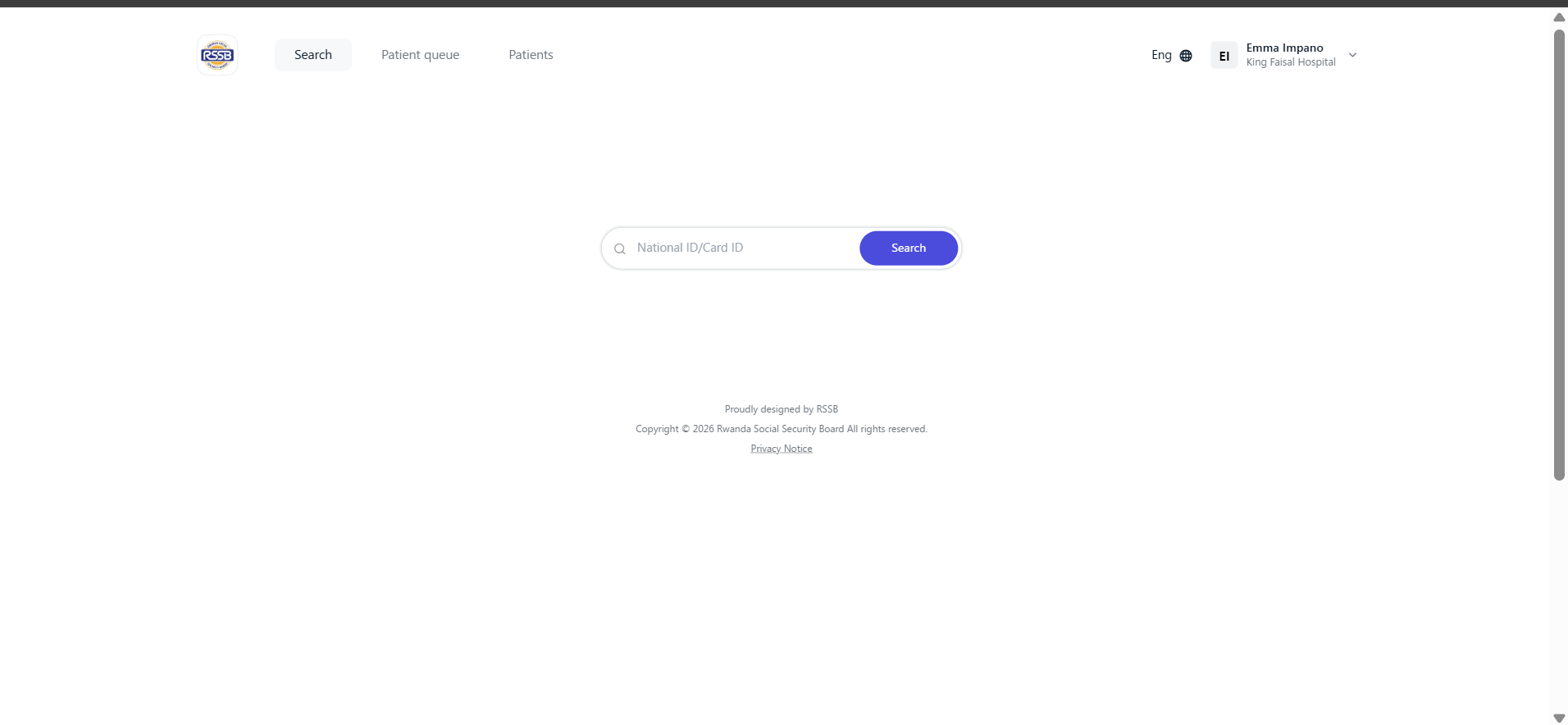
Navigate to https://kwivuza.rssb.rw and sign in.
Step 2:
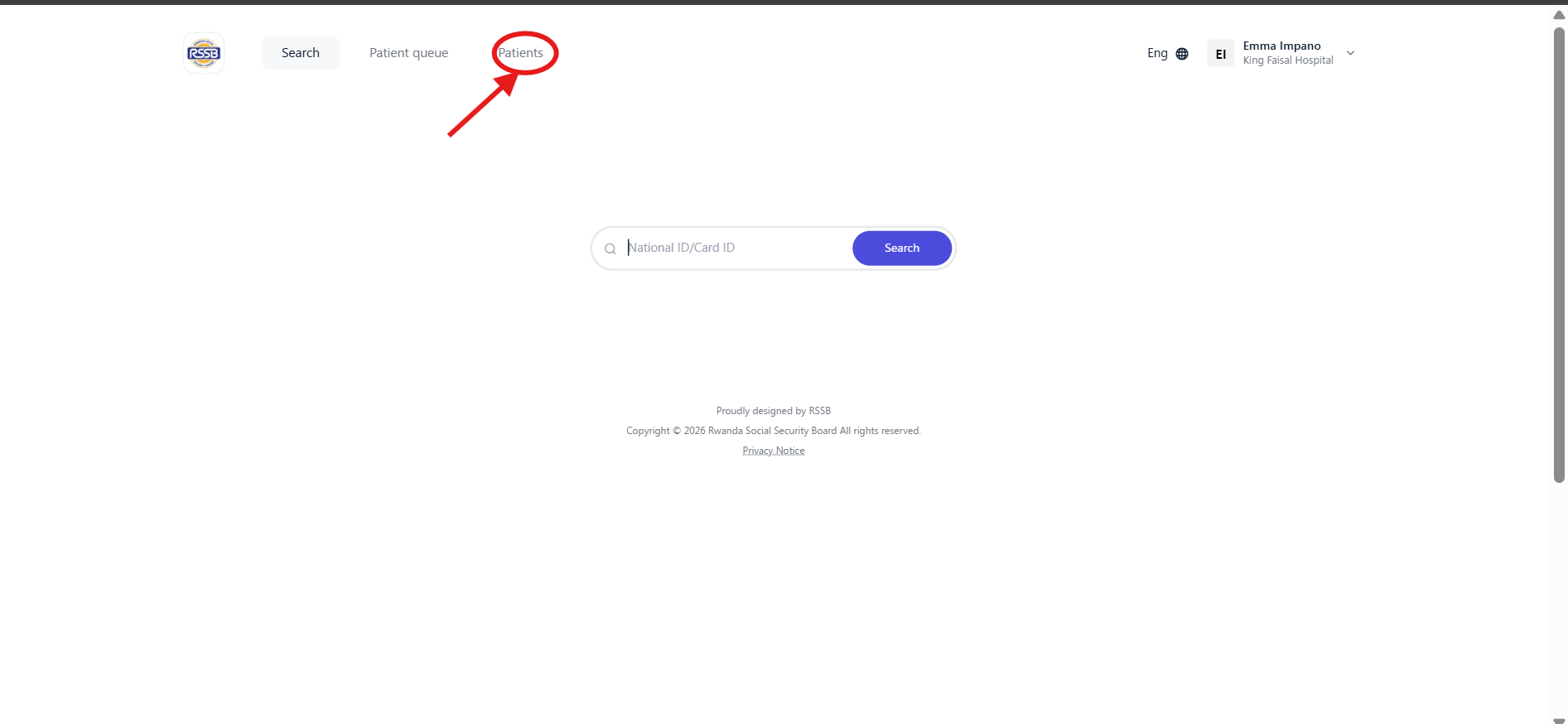
Click "Patients"
Step 3:
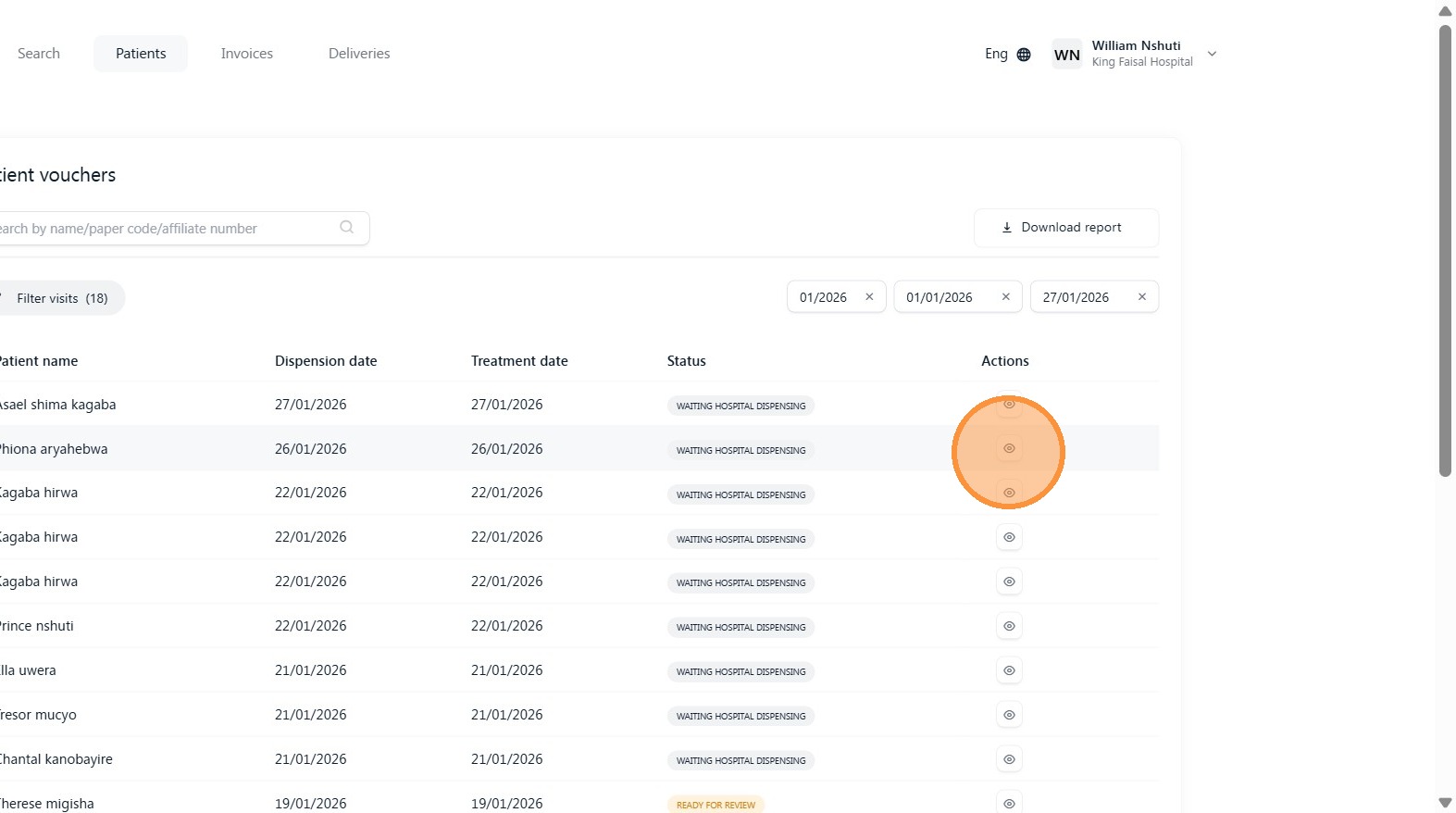
Open the patient voucher you want to discharge
Step 4:
Wait for the medical advisor response incase there are medical services that requires approval, if there is none continue to the next step.
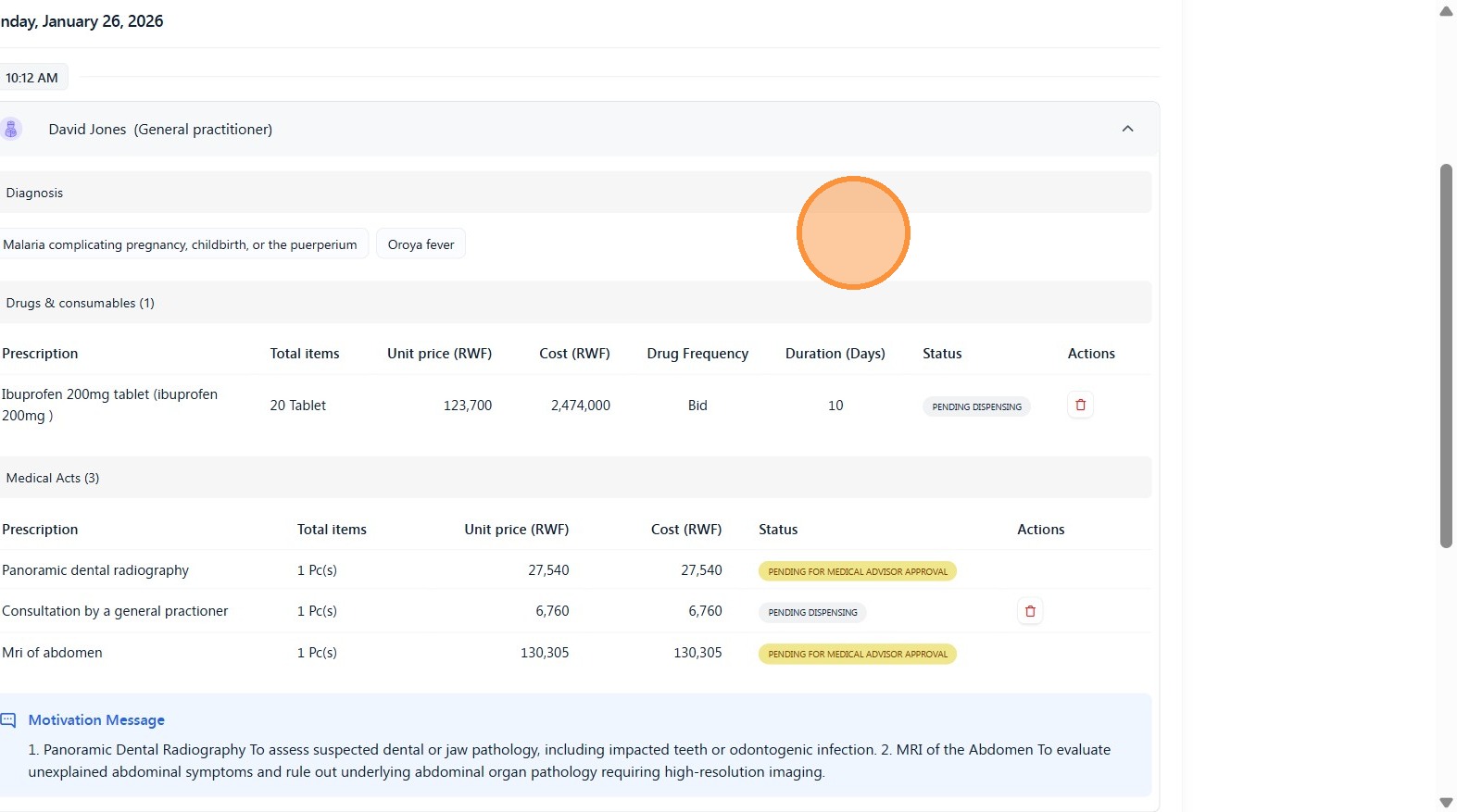
From here, you can see that medical advisor has responded to the approval request.
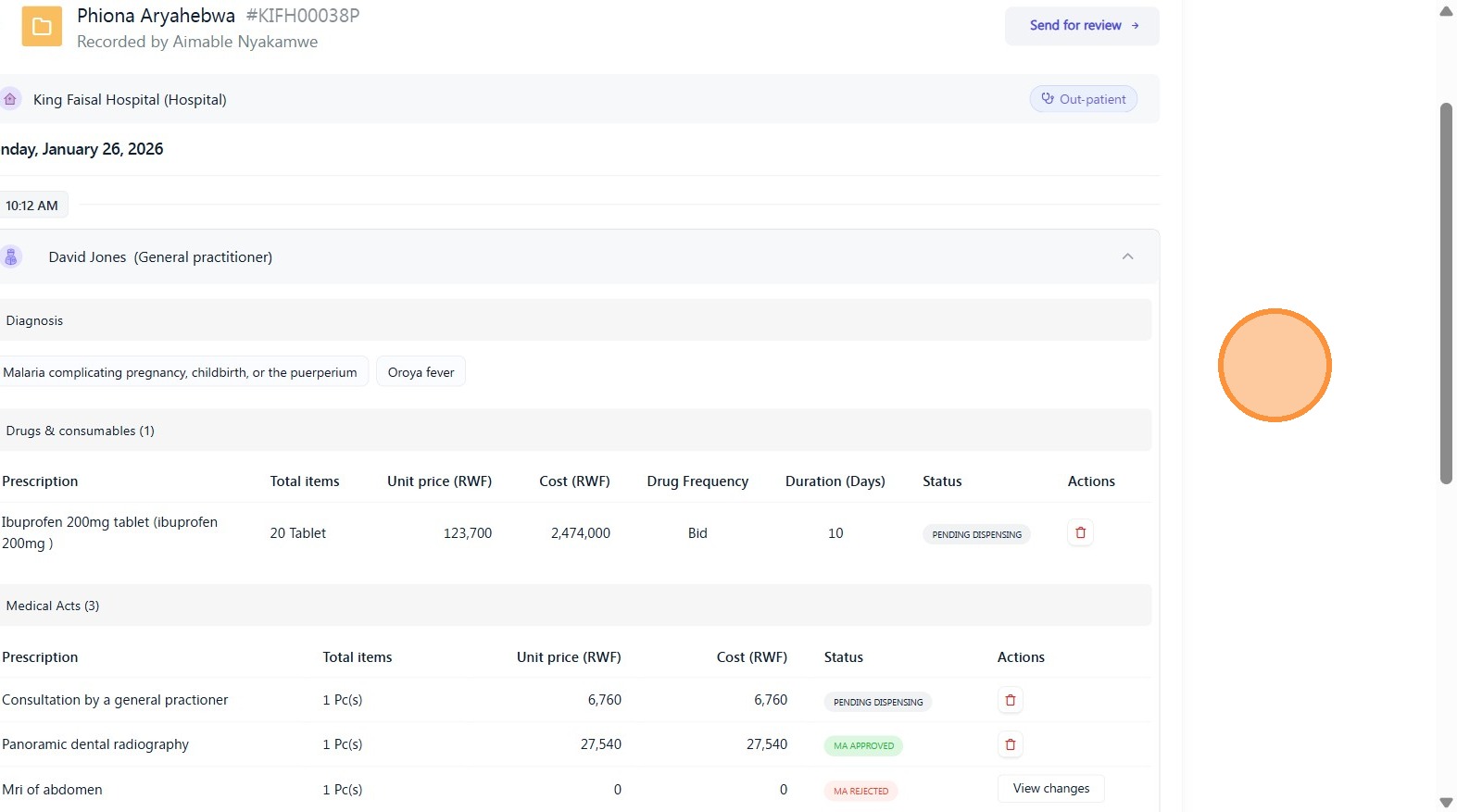
Step 5:
Remove any services on the patient voucher that were not provided to the patient.
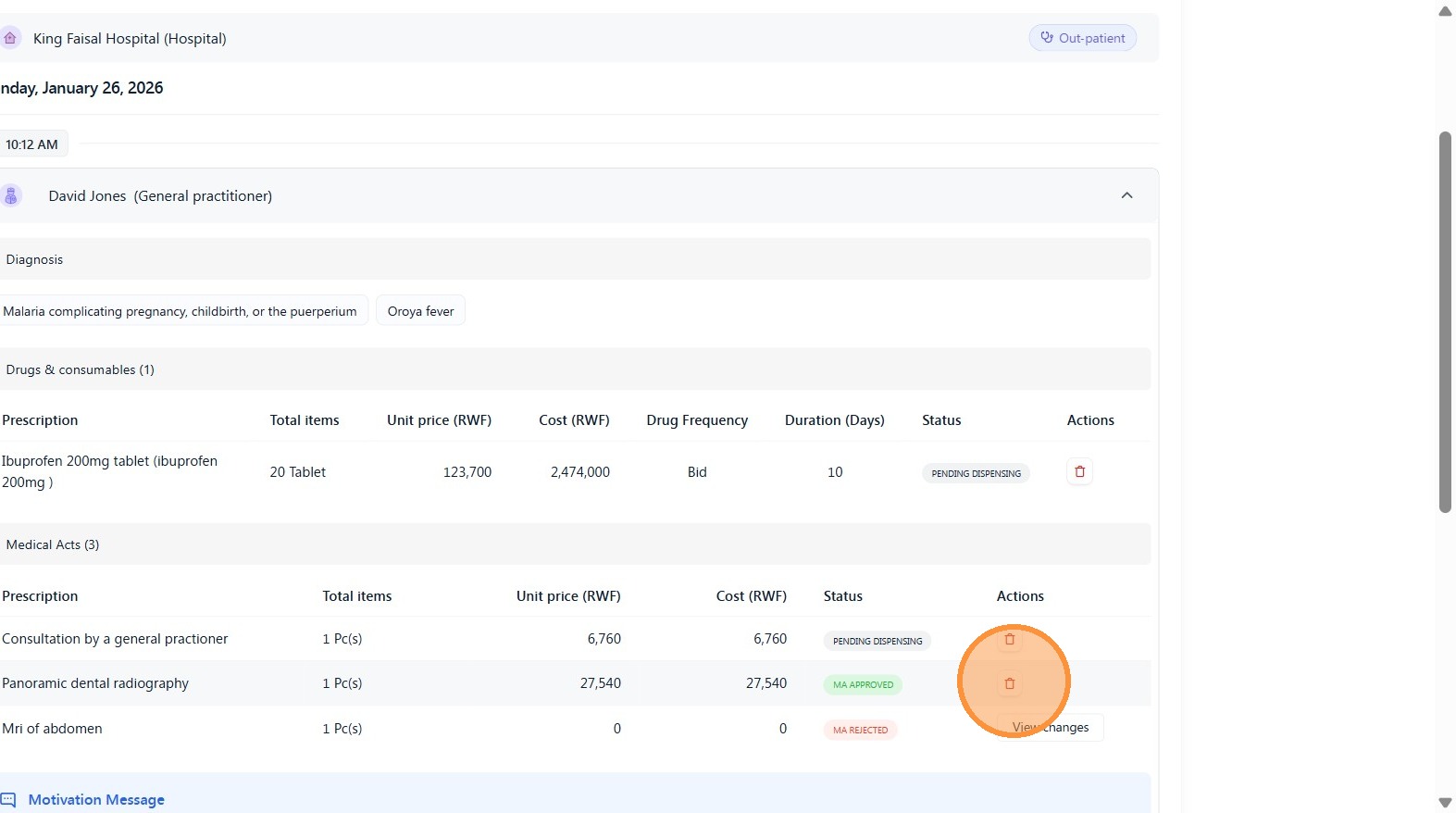
Step 6:
Click "Delete prescription"
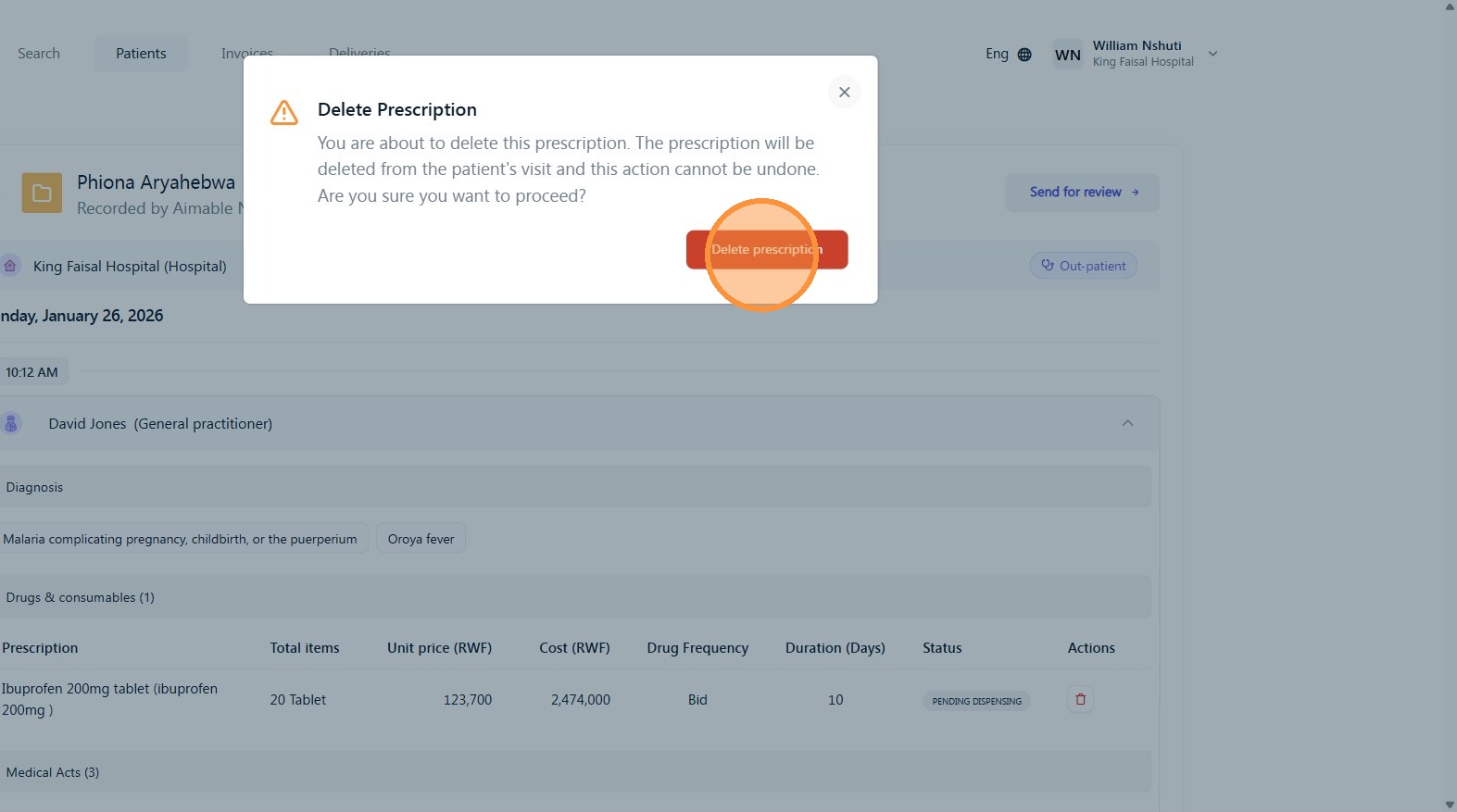
Step 7:
After removing all services that were not provided, click “Send for Review”
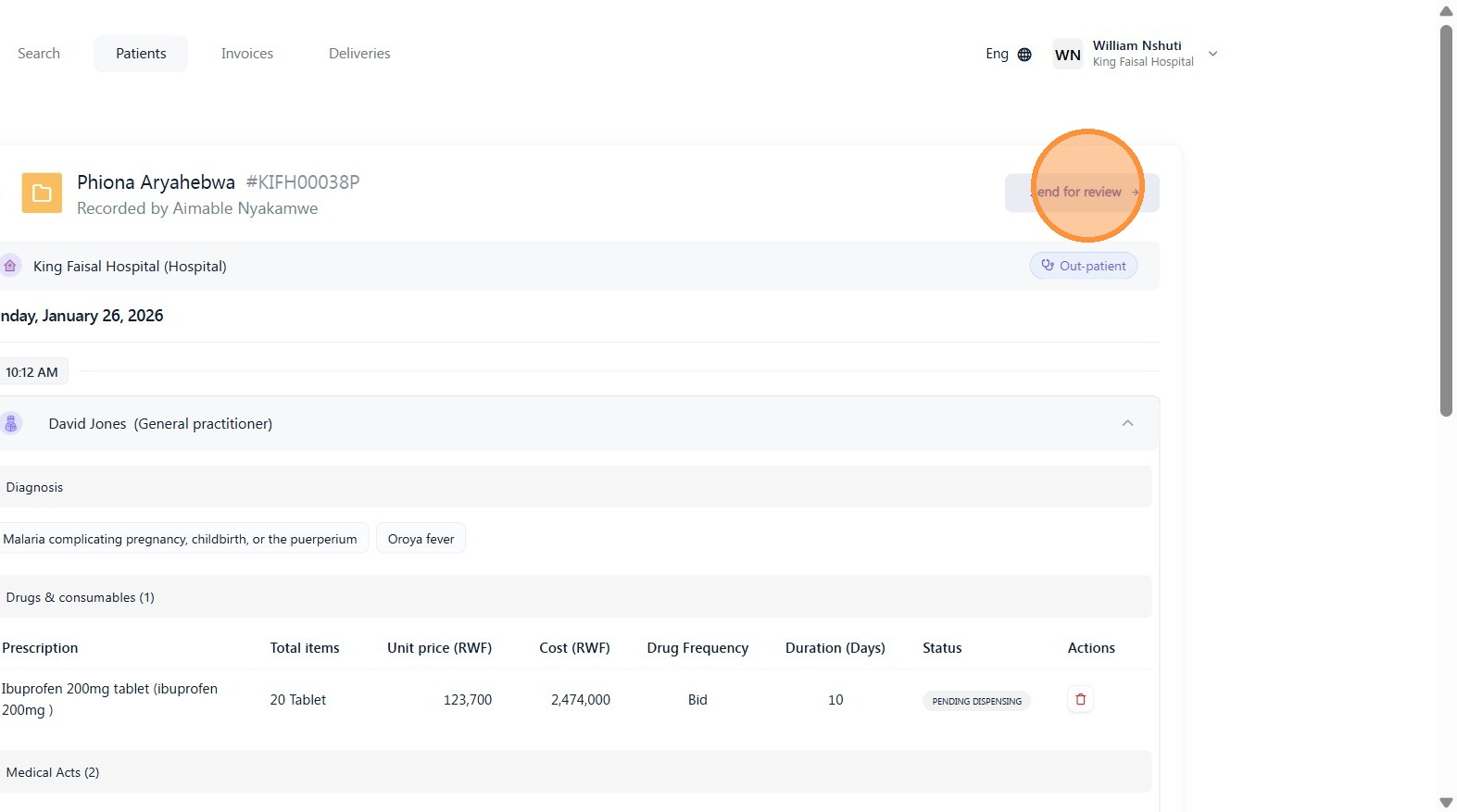
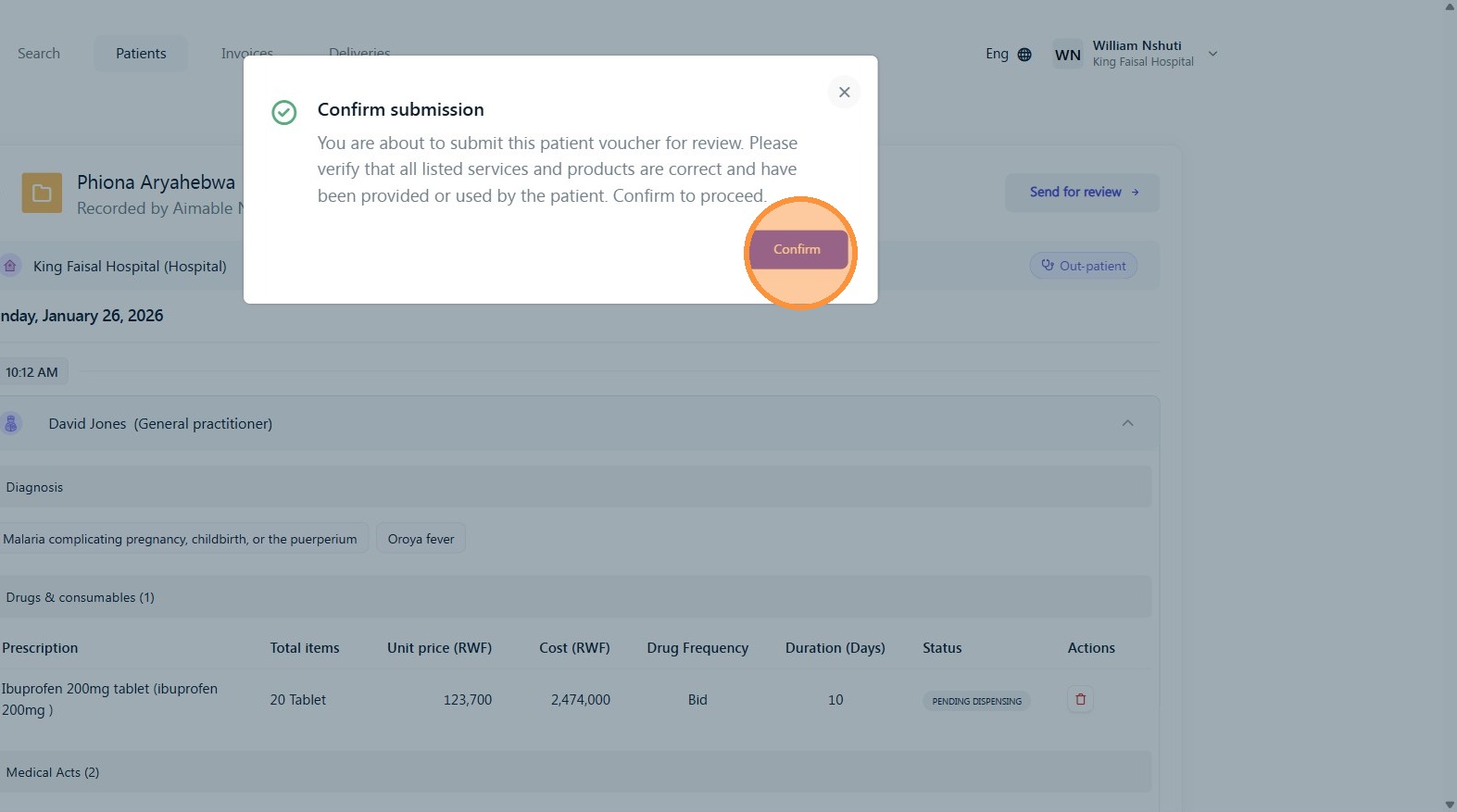
Step 8:
Click "Confirm"

Was this article helpful?
That’s Great!
Thank you for your feedback
Sorry! We couldn't be helpful
Thank you for your feedback
Feedback sent
We appreciate your effort and will try to fix the article