Step 1:
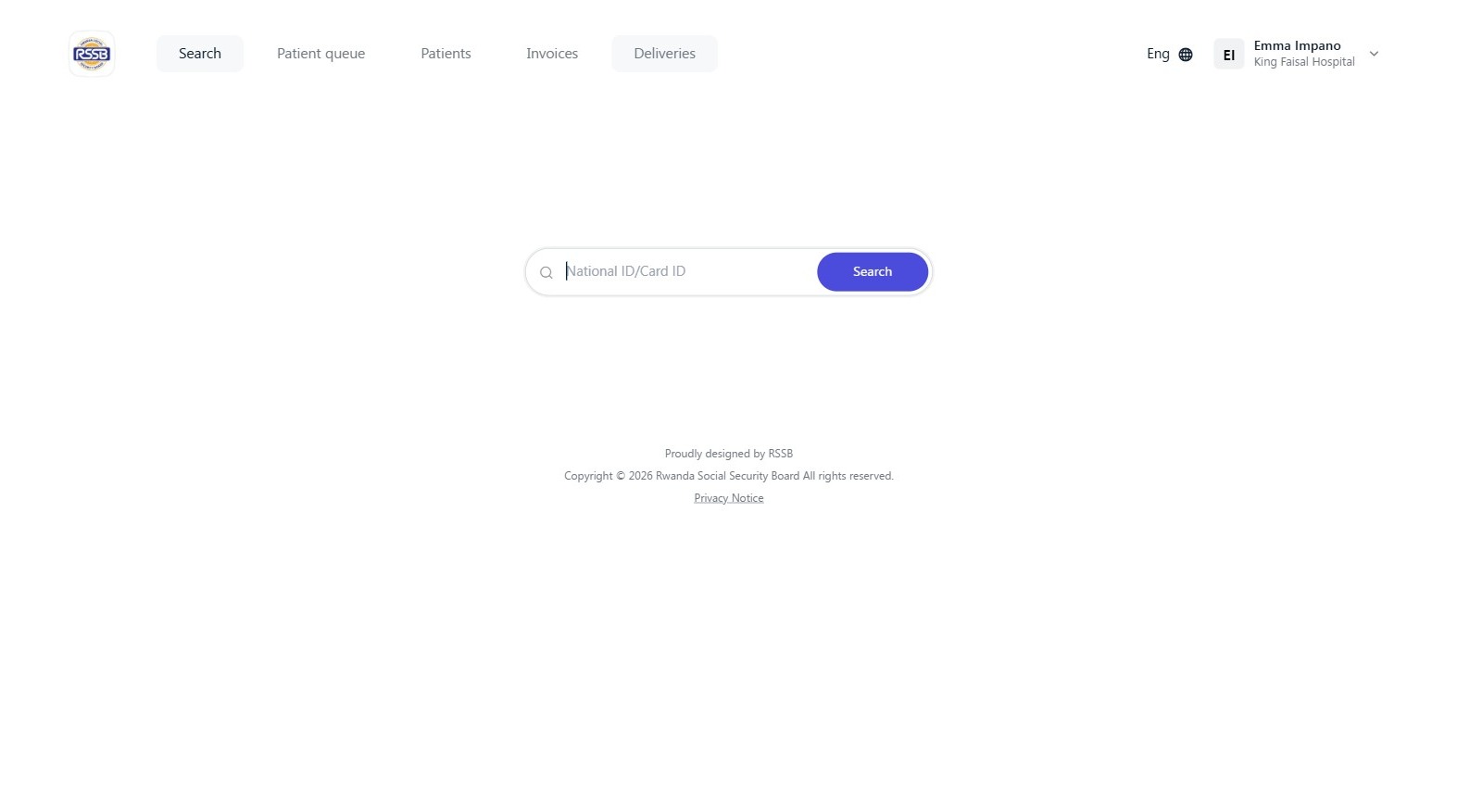
Navigate to https://kwivuza.rssb.rw and sign in.
Step 2:
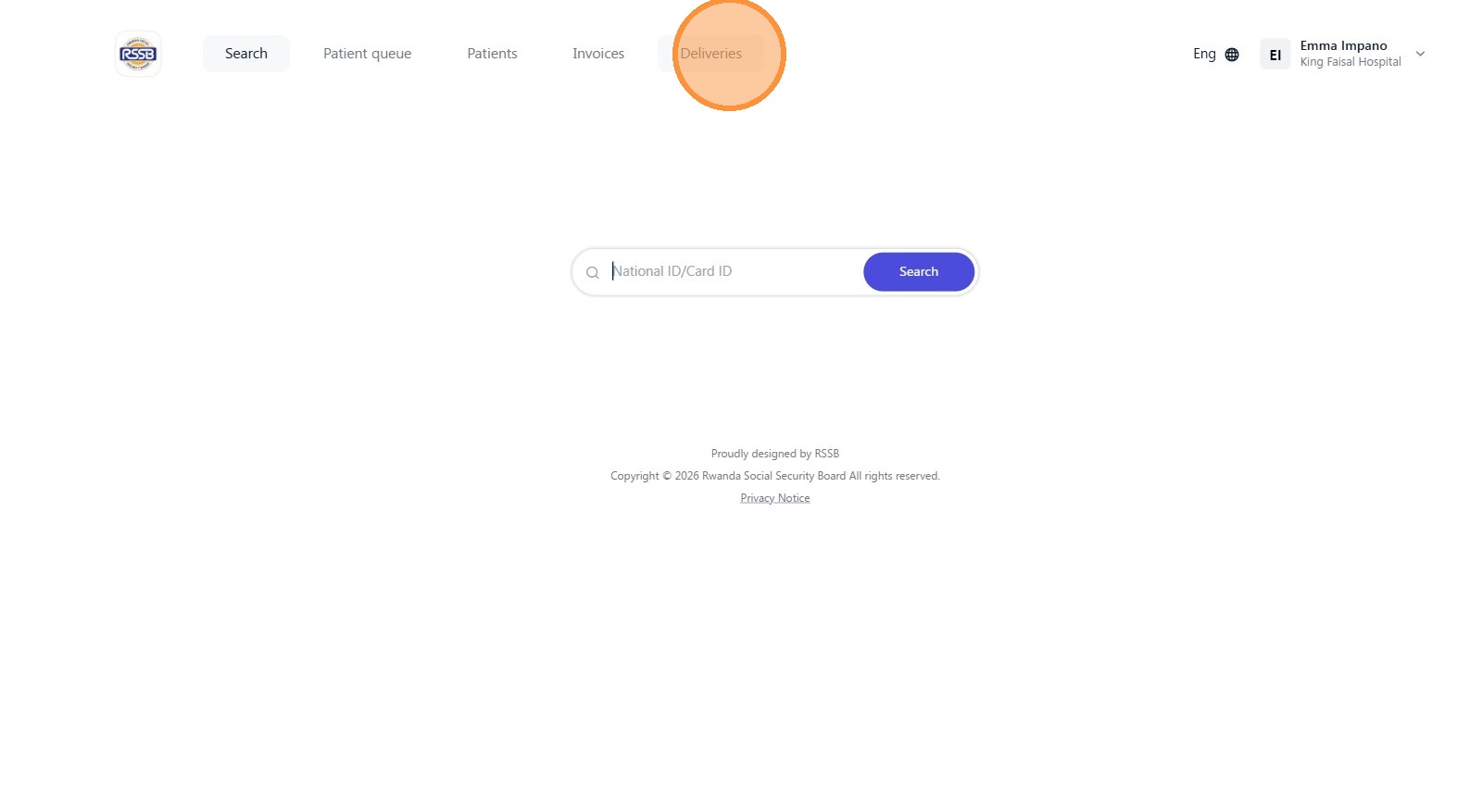
Click "Deliveries"
Step 3:
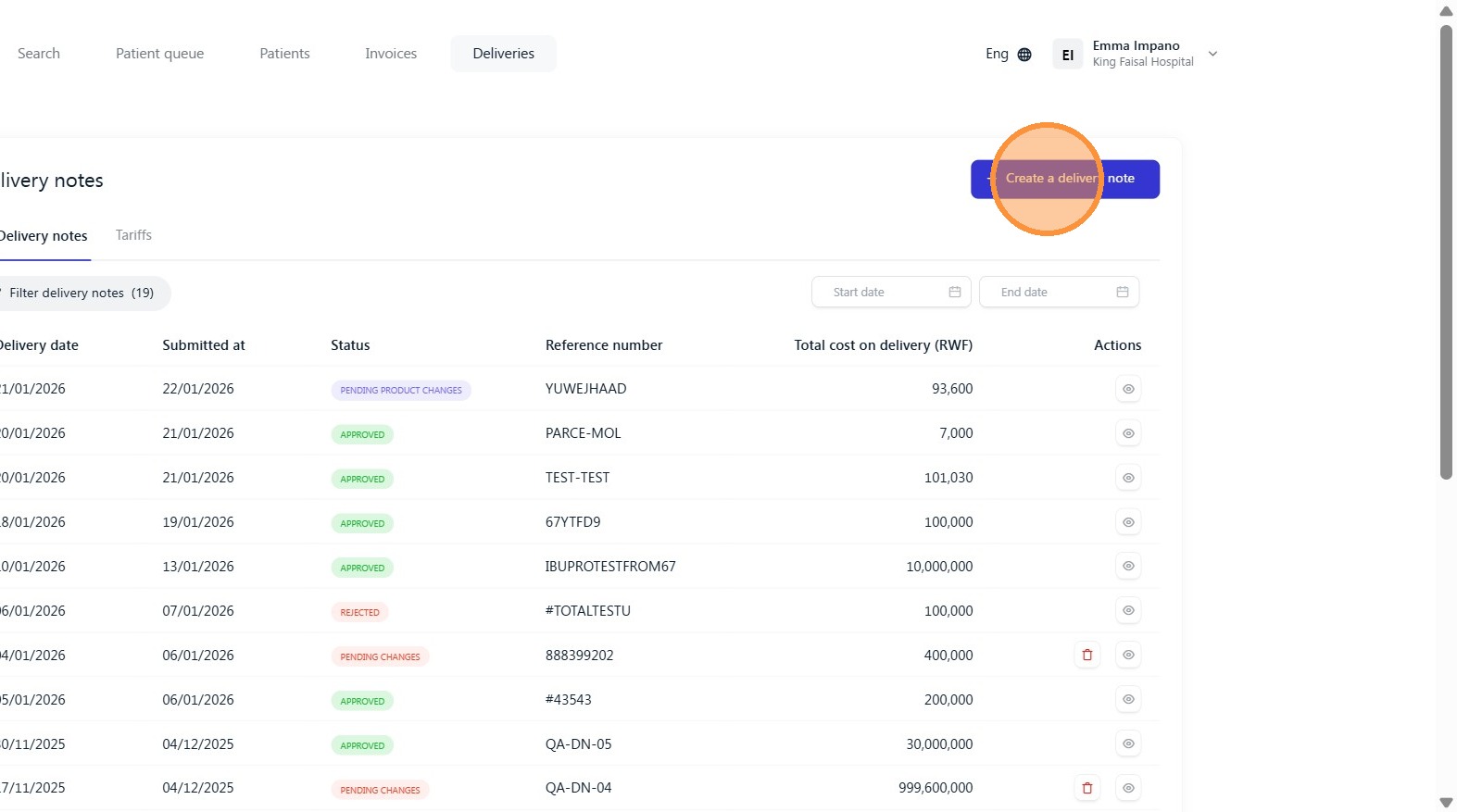
Click "Create a delivery note"
Step 4:
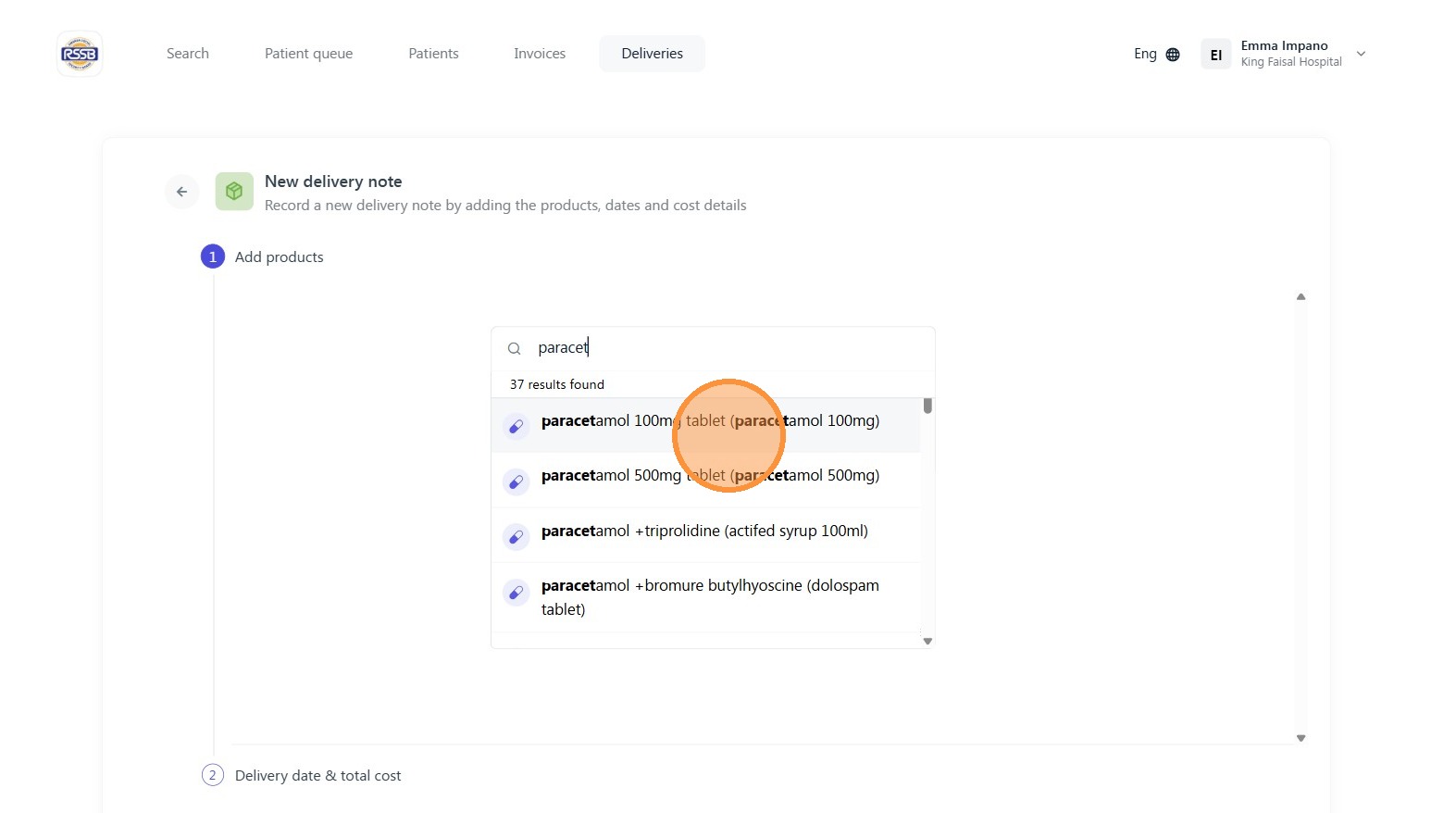
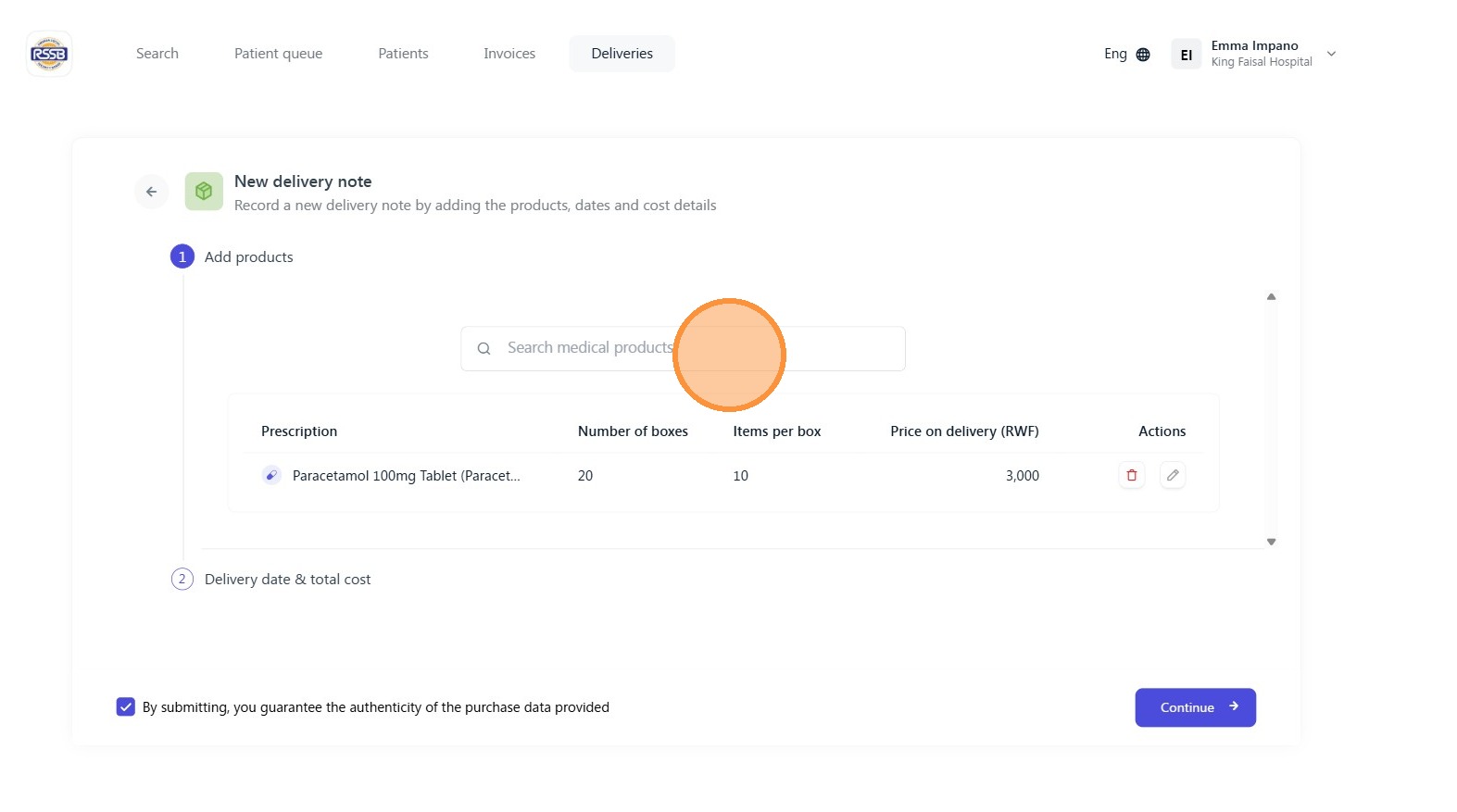
Using the search box, add the products on a physical delivery note to the system.
Step 5:
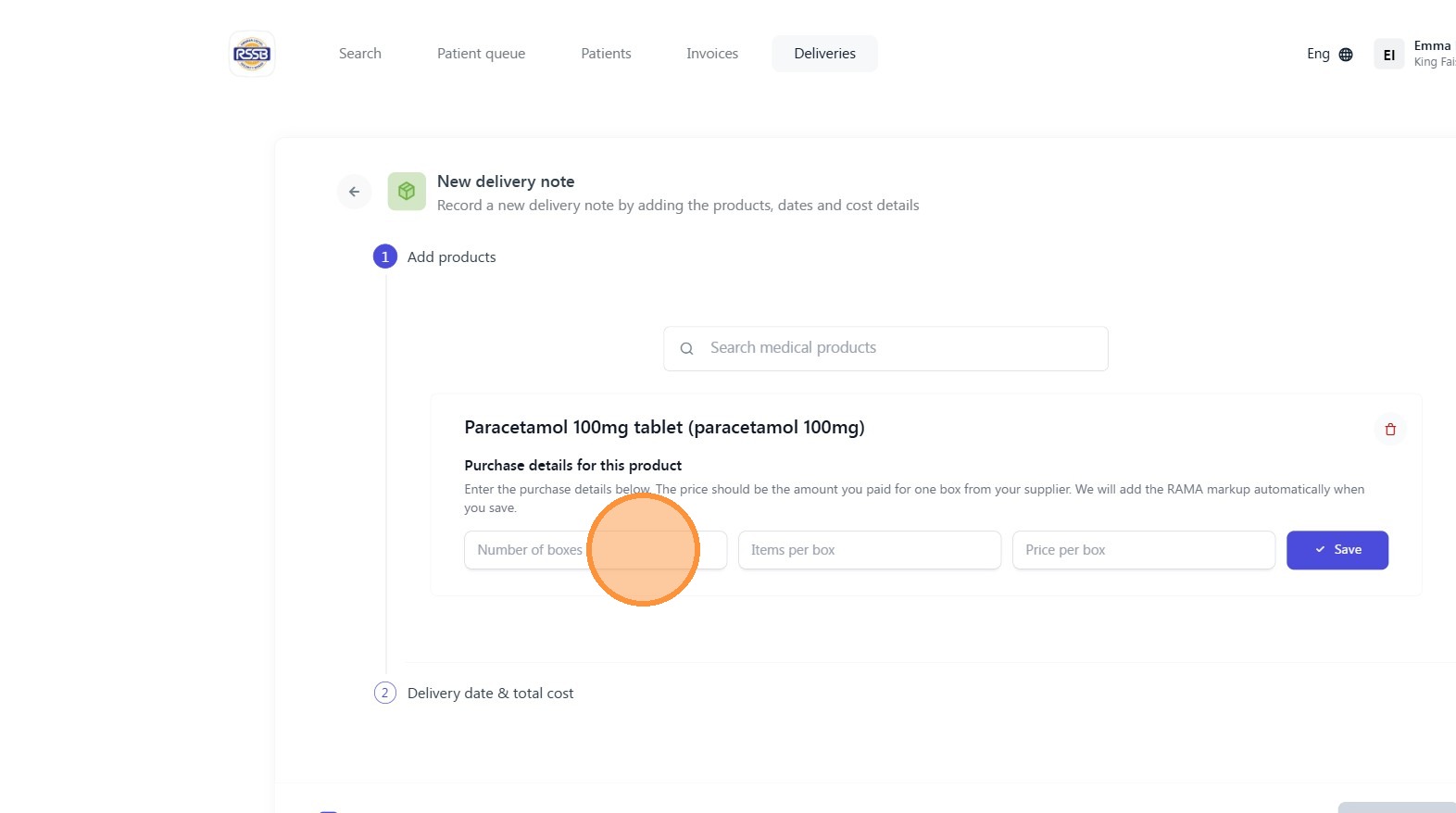
Click the "Number of boxes" field to add the boxes as it appears on delivery note.
Step 6:
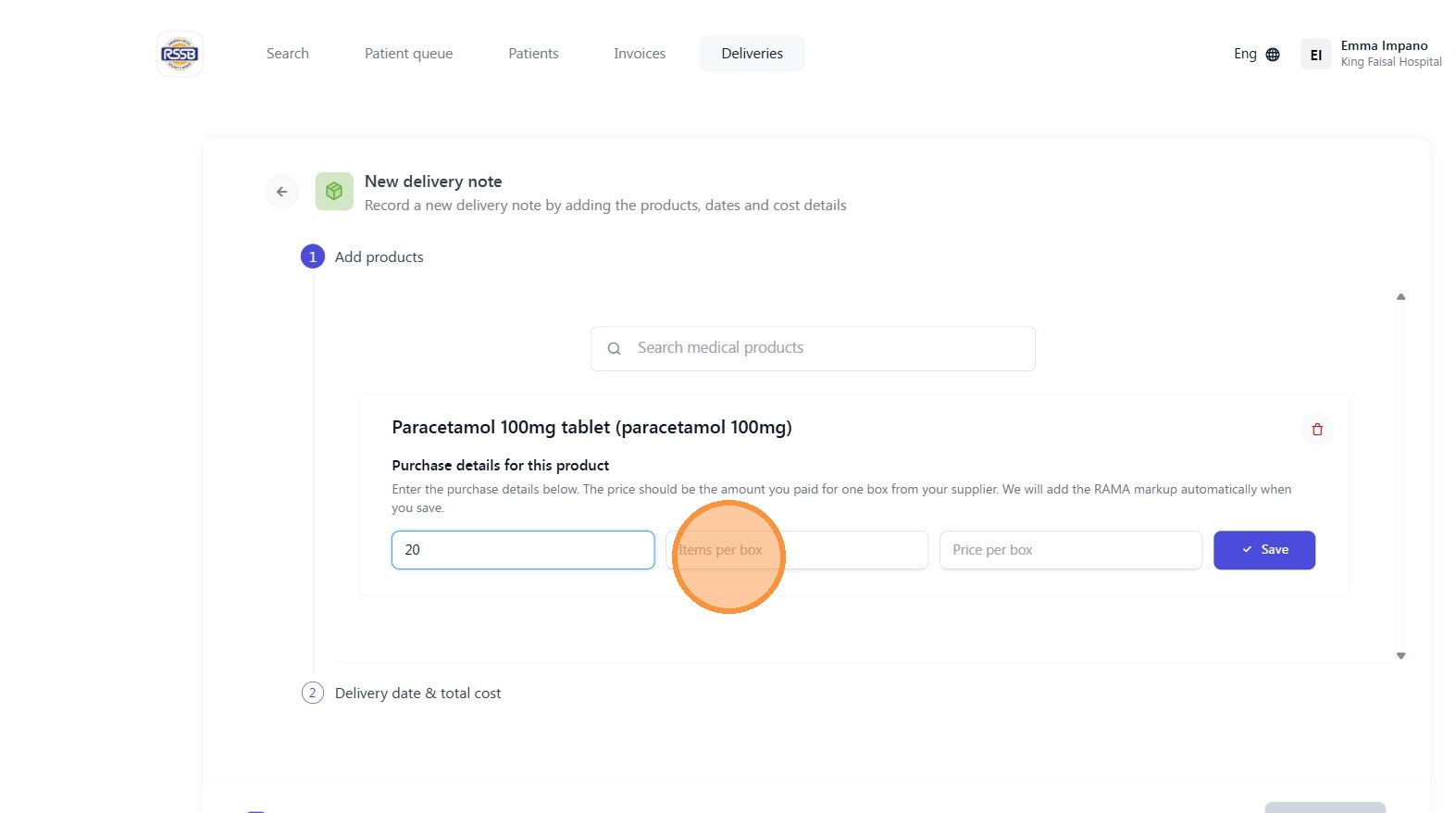
Click the "Items per box" field.
Step 7:
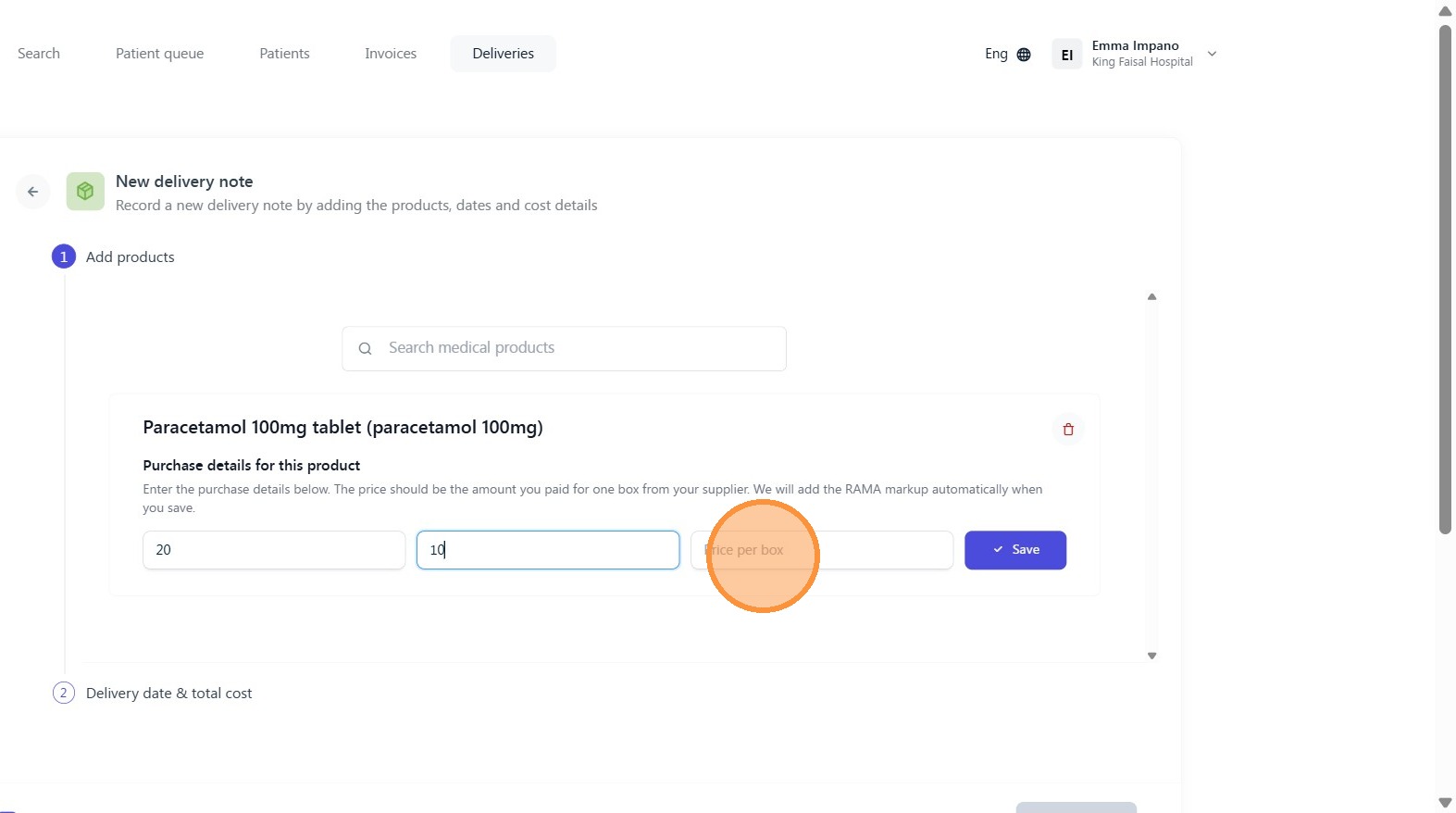
Click the "Price per box" field.
Step 8:
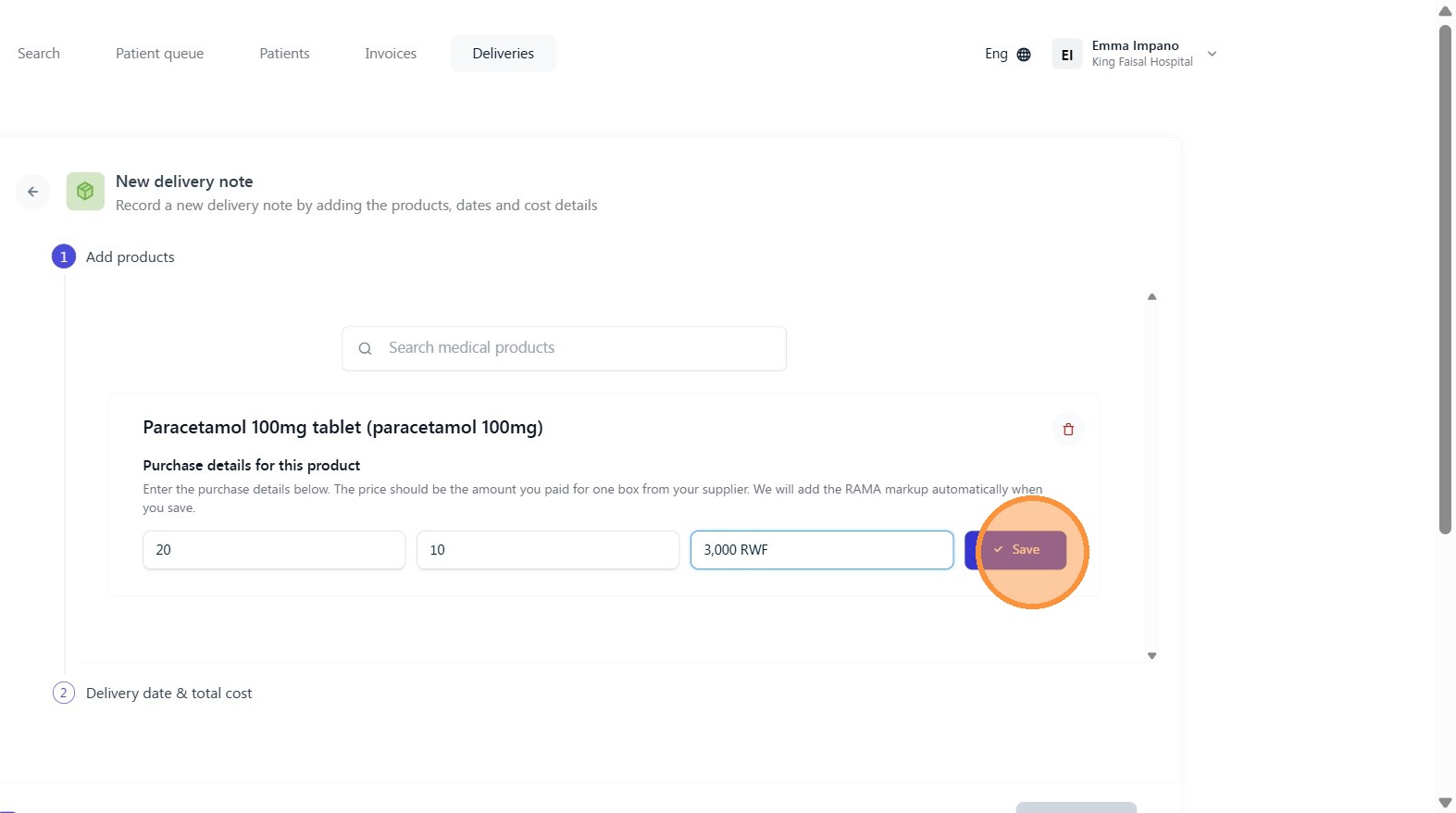
Click "Save"
Step 9:
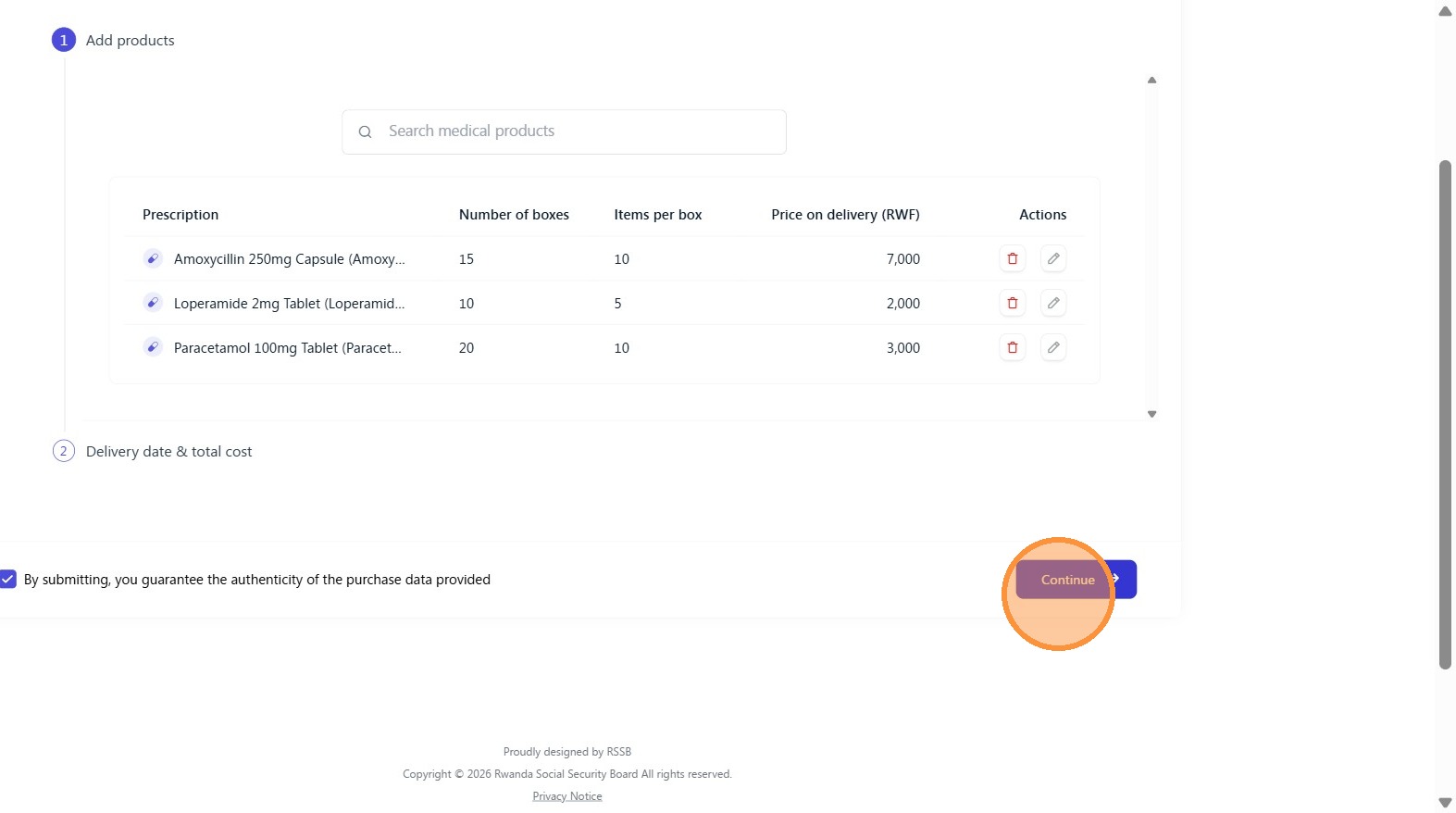
Repeat the process until all products on the delivery note are added.
Step 10:
Click "Continue"
Step 11:
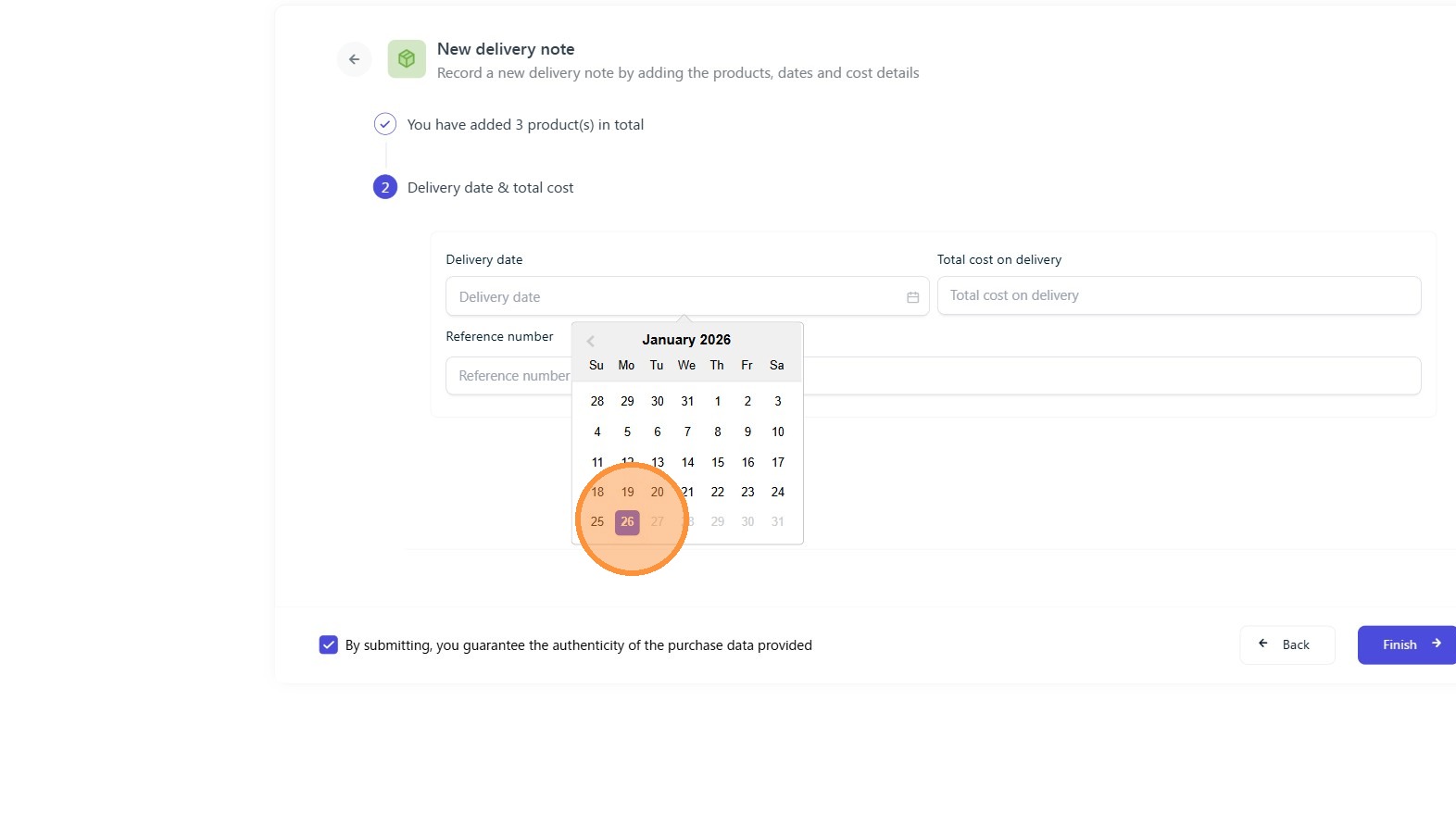
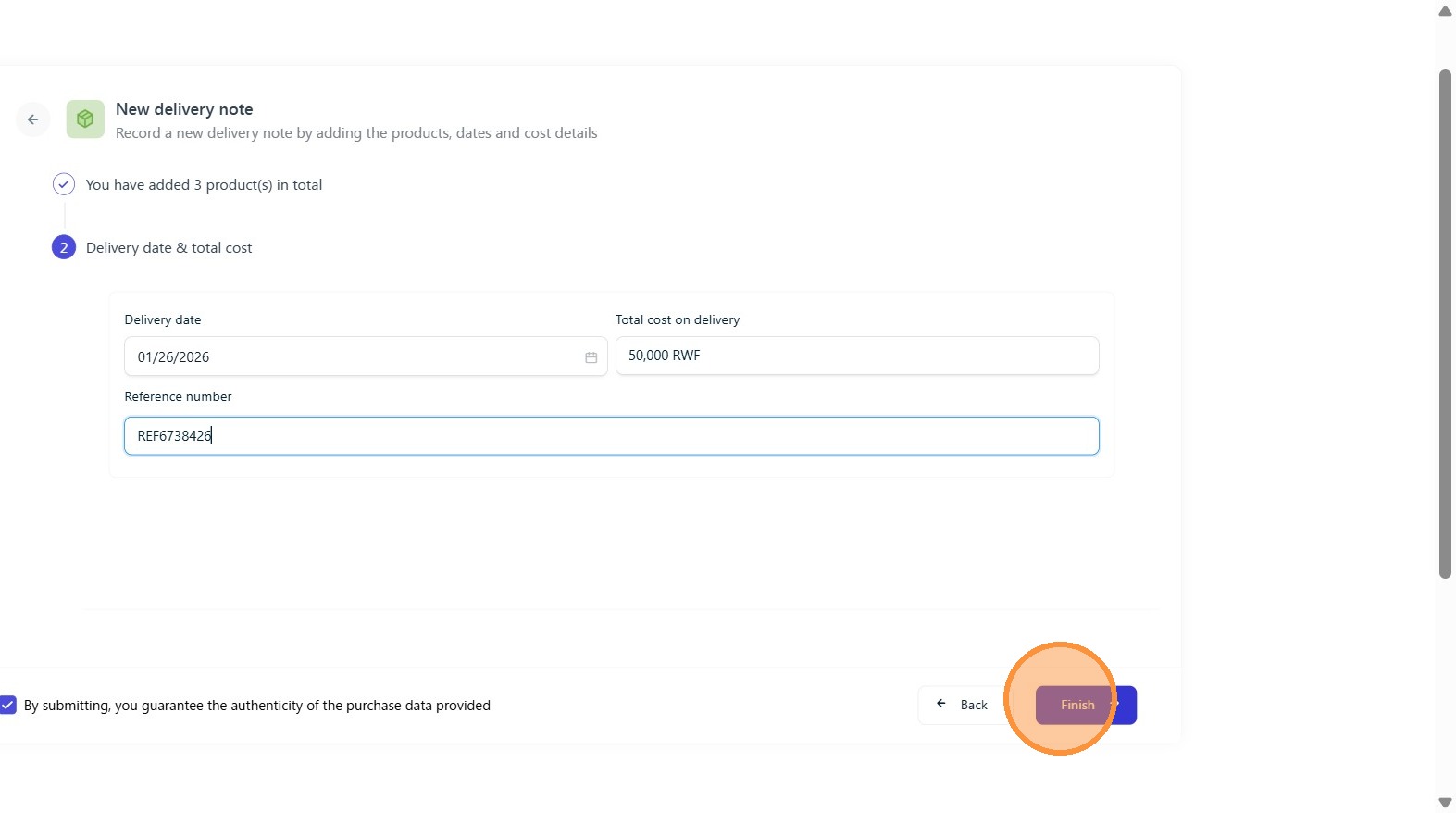
Click "delivery date" field to enter the date on delivery note and "total cost" field to enter total cost on delivery note.
Step 12:
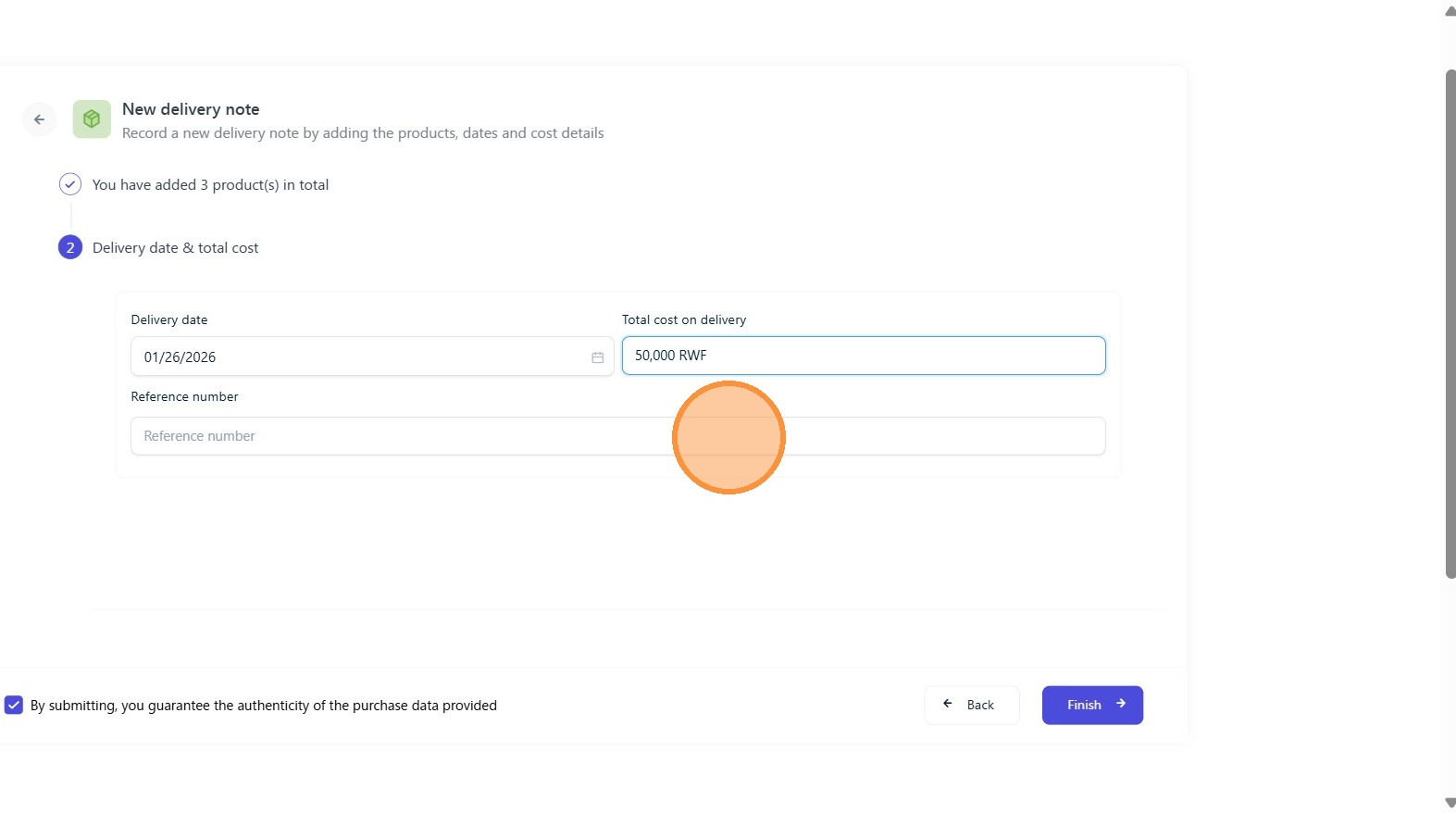
Click the "Reference number" field to enter reference number.
Step 13:
Click "Finish"
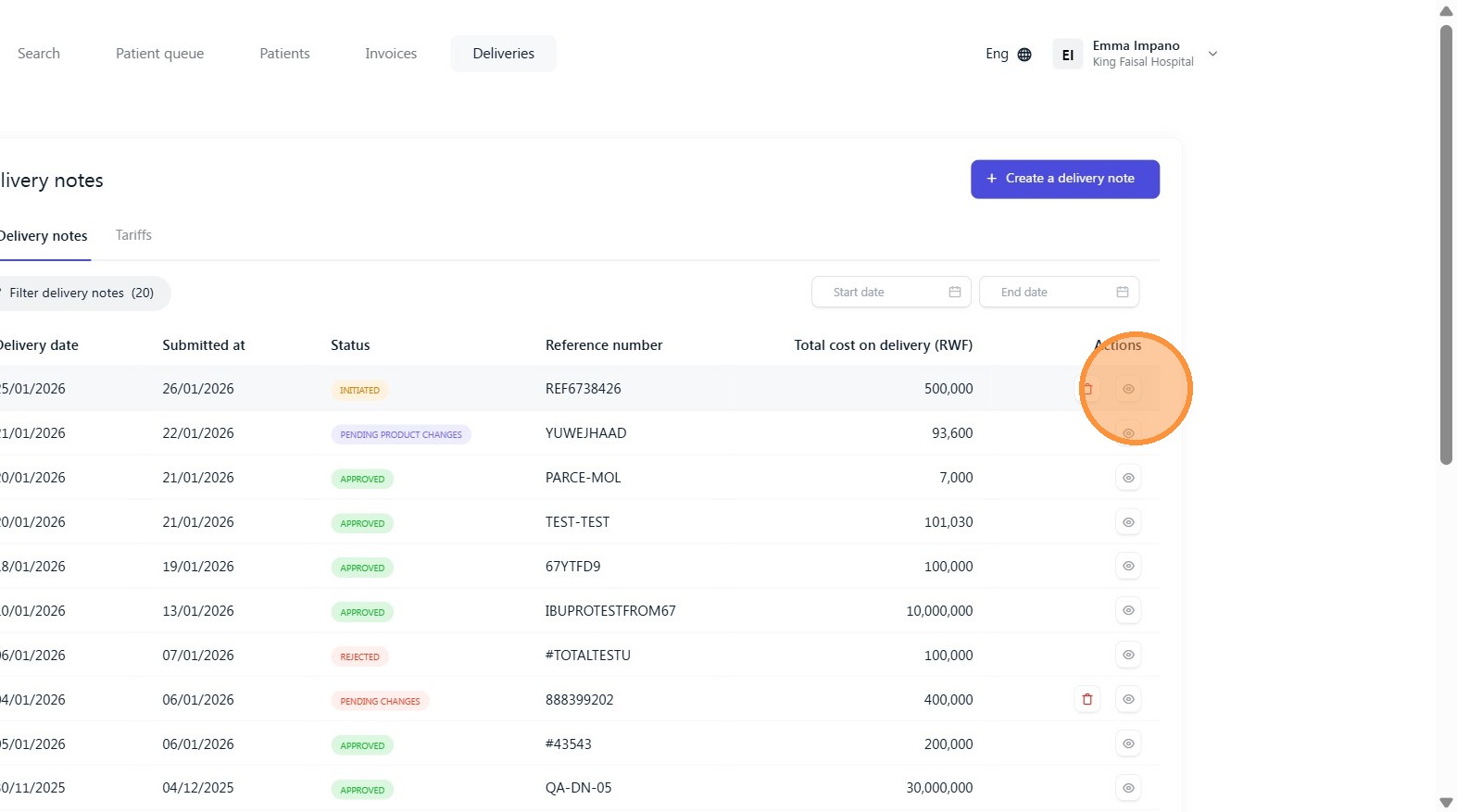
The delivery note will have the initiated status as it will be verified by RSSB officer to be approved.
Was this article helpful?
That’s Great!
Thank you for your feedback
Sorry! We couldn't be helpful
Thank you for your feedback
Feedback sent
We appreciate your effort and will try to fix the article